

The Workflows list, one workflow's canvas, and a run in Logs
Workflow, agent or campaign?
The trade-off: a workflow gives you logic between conversations, but you build and test each agent separately, and every run can place several calls.
How a workflow runs
- You build on a canvas, from a Start marker, connecting blocks left to right.
- Each contact gets their own run: one pass through the graph, carrying that contact’s name, number and variables.
- A Conditional block sends the run down Match or No match. An Await block in Event mode adds a Timeout branch.
- A run ends at a block with nothing connected after it. There is no “end” block. A run still going after 3 days is cancelled.
- Logs → Workflows records every run, with the path it took and the calls it placed.
Building blocks
The Blocks panel offers four blocks. The Agent block has a Call and a Chat mode.
Every setting is in the block reference.
How a workflow starts
Statuses and versions
The list groups workflows into Active, Drafts and a collapsed Archived section. A card can also carry Scheduled, Triggering or Paused; those workflows sit under Active, and nothing in the editor sets these three states.
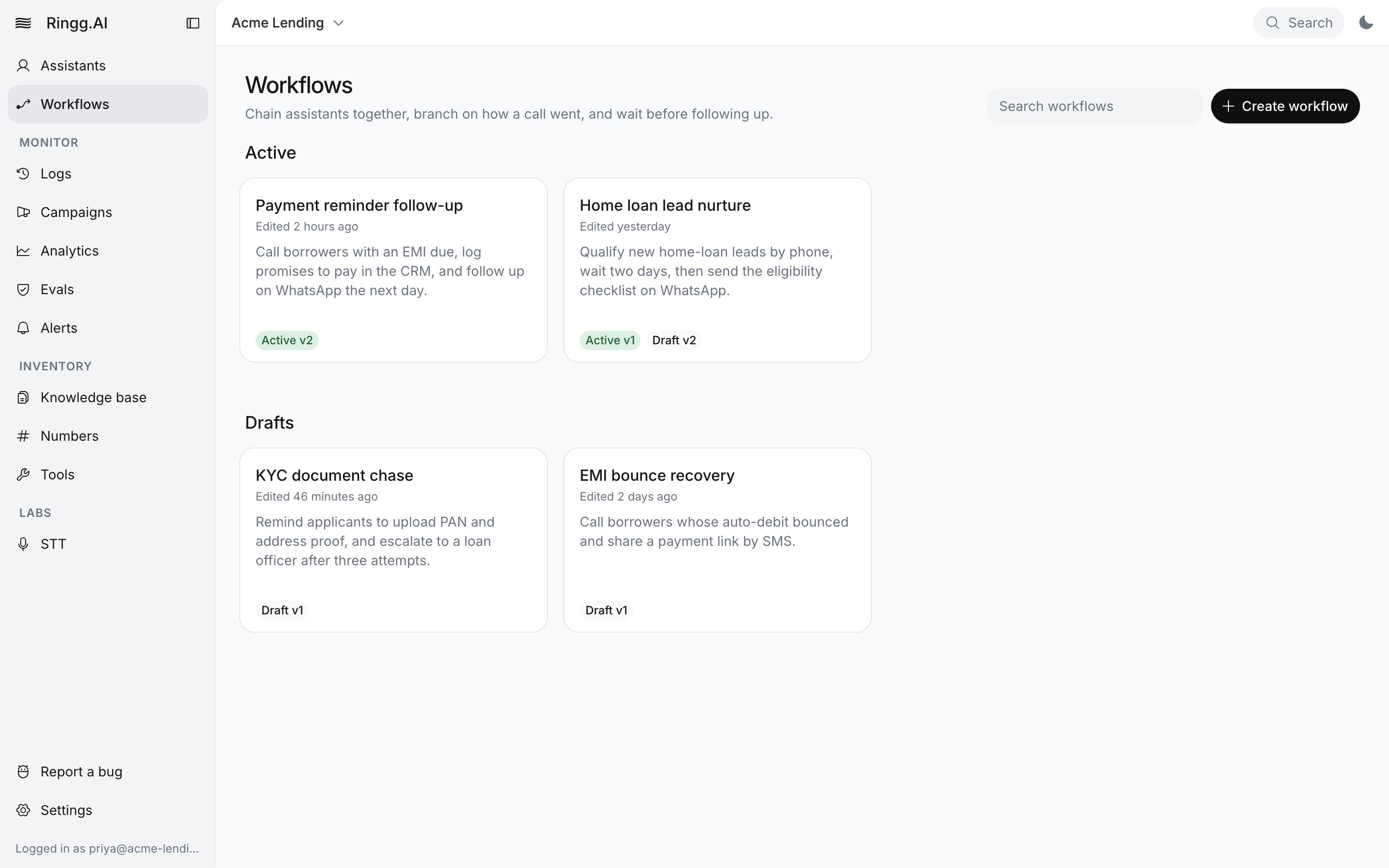
The Workflows list, grouped into Active and Drafts
v1, v2, shown in the breadcrumb); see Publish and versions.
Next steps
Build and run a workflow
Add blocks, pass data between steps, test a run, publish and launch it at a list.
Launch a workflow campaign
Each row of a calling list starts one run of the published workflow.