

What the agent sees
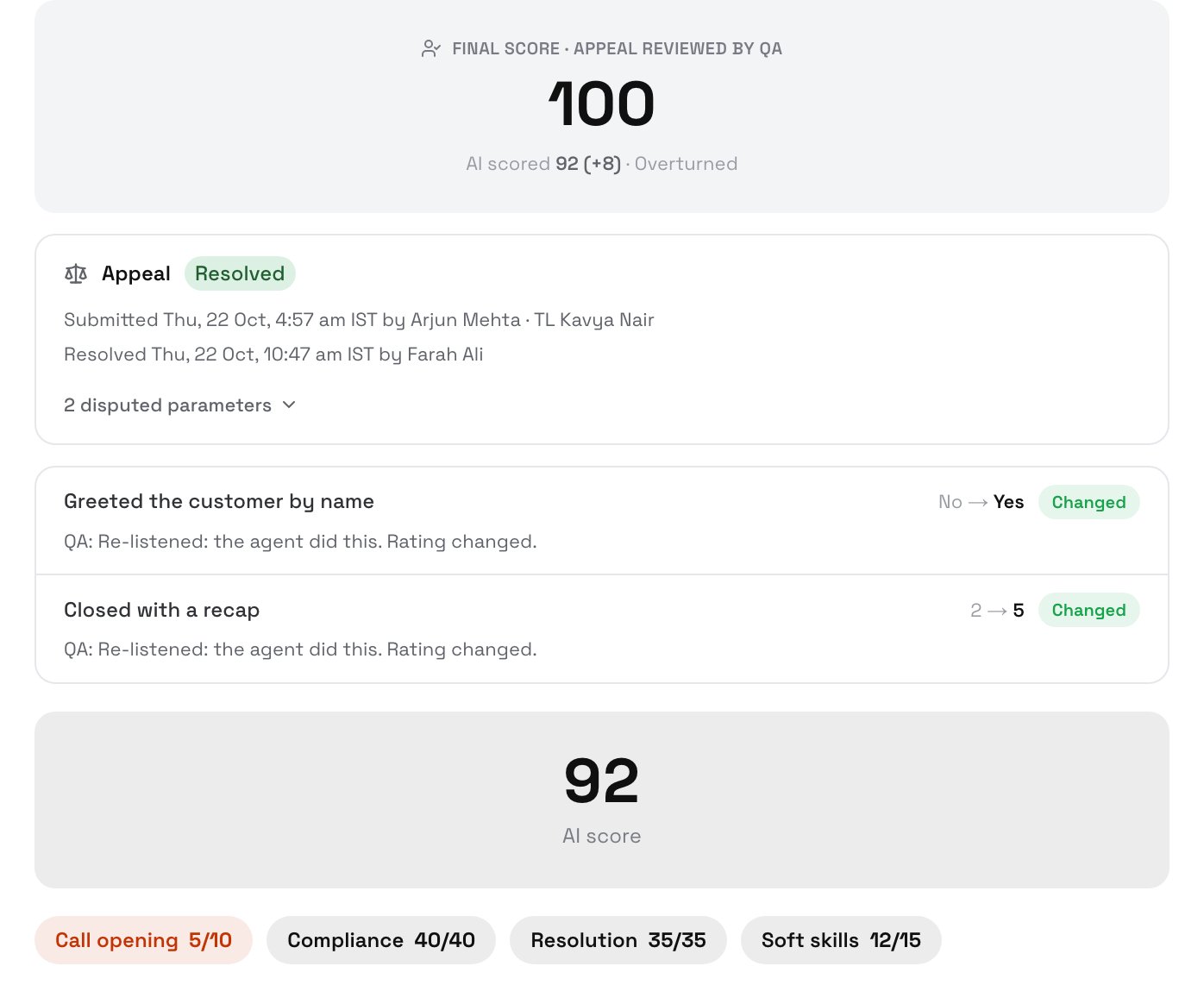
An overturned dispute, as the agent sees it
The agent and their current team lead get an email: “Appeal reviewed: … — final score N%”, with each disputed parameter’s result and the QA’s note.
The official score then counts everywhere: Interactions, Summary, Agents, report cards, notification conditions and exports.
Appeal history
Appeal history at the bottom of the call lists every step: Appealed, Review started, Released, Reassigned, Resolved and Corrected, by whom and when, with each version’s final score. Everyone who can see the call can read it, and it is never deleted.Corrections
Use a correction when a resolved decision turns out wrong, for example after a team lead escalates it offline and the escalation is accepted.1
Open the resolved call
As a QA, admin or owner, open the call and click Correct the final score (offline dispute accepted).
2
Re-rate and give a reason
Change the ratings that need it and write why you are correcting. The reason is required.
3
Save
Click Review correction, then Save correction.
The call shows the new final score and Corrected · v2, with your reason. The agent and their team lead get an email: “Score corrected: … — now N%”.
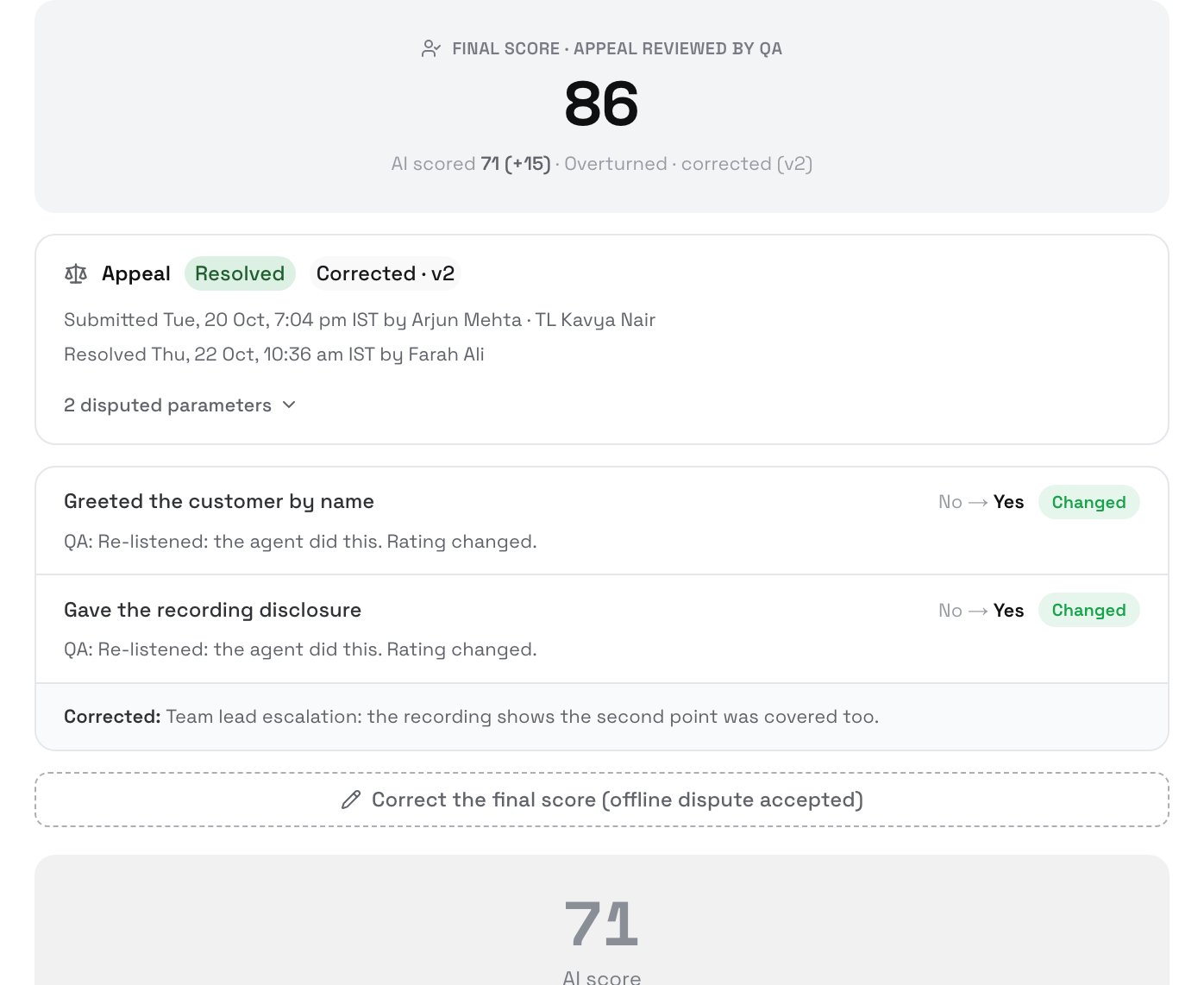
A corrected dispute
Next steps
Settings and reports
See overturn rates by parameter.
Report cards
Where resolved disputes show for an agent.
Overview
The rules for disputes.