

X-API-KEY header.
Get your API key
- Log in to the Ringg AI dashboard.
- Open API from the dashboard sidebar.
- Copy the workspace API key, or regenerate it if you intentionally want to rotate the key.
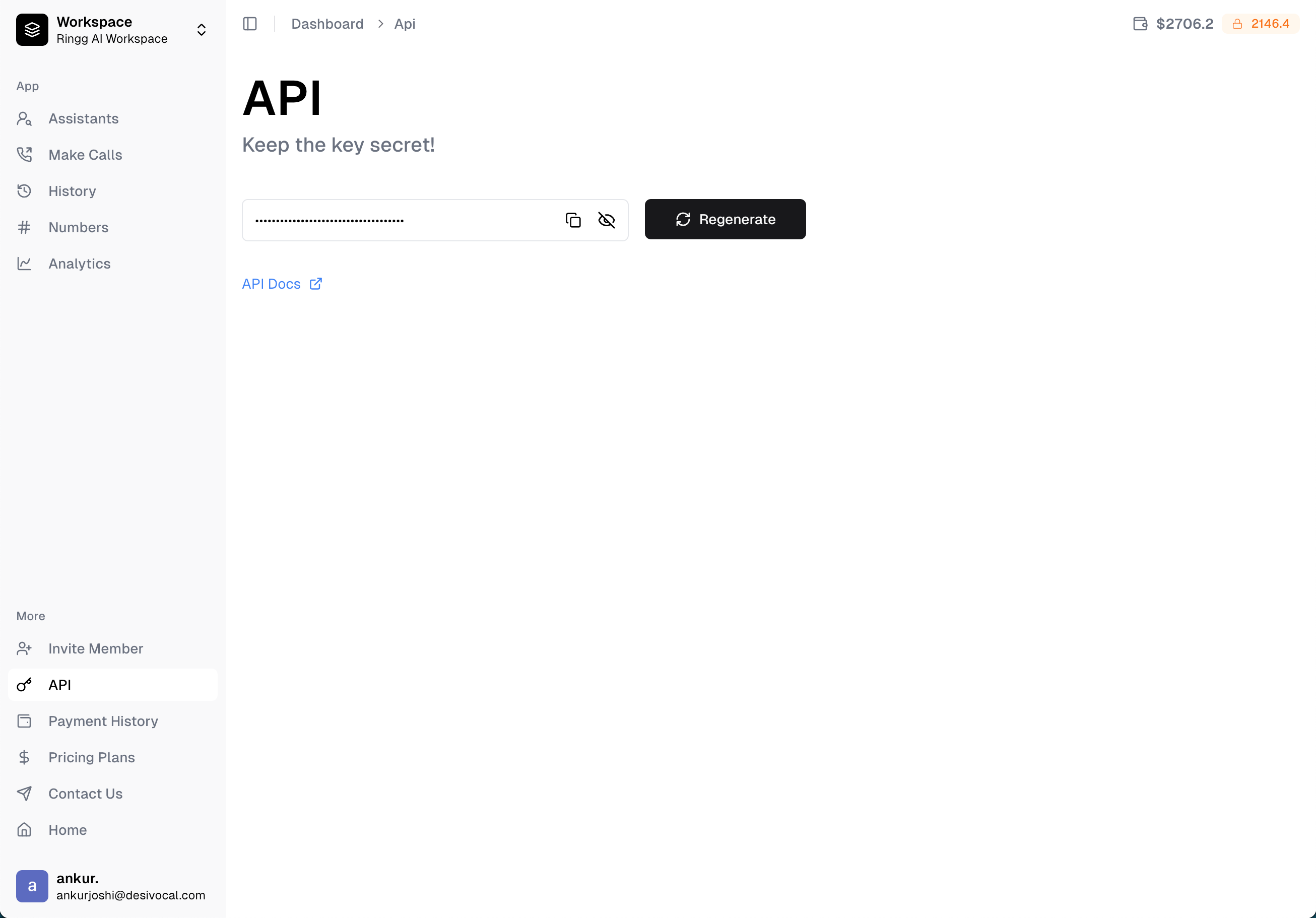
X-API-KEY
Send the API key
Successful response
GET /workspace is the simplest authentication check.
Production practices
- Store the key in a secret manager or environment variable.
- Use one backend service as the integration boundary when possible.
- Rotate the key if you suspect it’s been exposed.
- Avoid logging request headers.
- Alert on unexpected usage volume or repeated
401responses. - Use HTTPS for every API call.
Troubleshooting
Next steps
Quick Start Guide
Use the key to make your first call.
Regenerate API Key
Rotate a workspace key intentionally.